AURORA Mission X
Learn through
the landing.
An educational landing game in Flutter and Flame, with 14 stages, Gemini guidance and a Q-learning demo. Third place in the SpaceAware Application Challenge.
AURORA Mission X
An educational landing game in Flutter and Flame, with 14 stages, Gemini guidance and a Q-learning demo. Third place in the SpaceAware Application Challenge.
01 · Control
The lander mechanics include thrust, rotation, fuel, wind and hazards. Choices change the descent.
02 · Feedback
Gemini guidance is built into the learning experience.
03 · Learn
The main game’s AI controller uses PD control. A separate interactive demonstration explains tabular Q-learning.
04 · Project scope
Built with Hoor Salman for the SpaceAware Application Challenge.
Two-person team · Third place, SpaceAware Application Challenge · October–November 2025
Learning about landing through play and feedback.
01 / Purpose
Create an educational space-landing experience for the SpaceAware Application Challenge.
02 / Approach
We built the game in Flutter and Flame, with 14 stages and Gemini guidance. A separate interactive demo implements tabular Q-learning in JavaScript.
03 / Contribution
Built with Hoor Salman. I led the development of the Flutter and Flame simulator, including the lander physics, the 14 stages, the Gemini guidance and the Q-learning demo.
04 / Demonstration
The lander supports thrust, rotation, fuel, wind and hazards. The main game’s AI pilot uses proportional-derivative control, and a separate interactive demo teaches tabular Q-learning.
05 / Results
We shipped a 14-stage simulator with Gemini guidance and an interactive Q-learning demo, and placed third in the SpaceAware Application Challenge in November 2025.
06 / Limitations
AR was an experiment, and it’s switched off in the current version. The Q-learning demo is a teaching tool that runs separately from the main game’s PD controller, and we haven’t measured its success rate.
07 / Lessons learned
An educational interface needs to distinguish a demonstration, a working feature, and an experiment clearly. That distinction is especially useful when explaining what an AI component actually does.
Next project
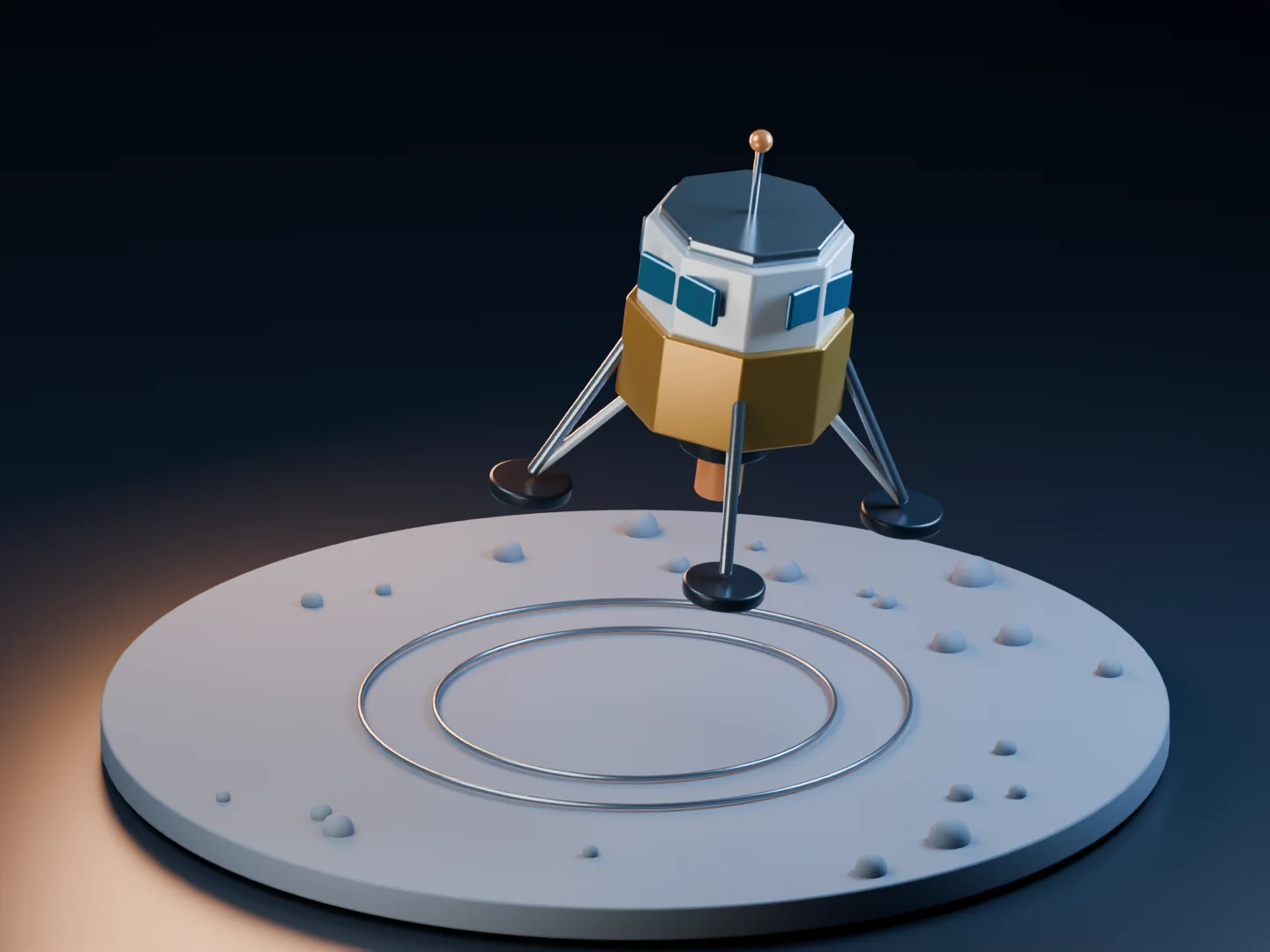
The Blender scenes and animations are illustrations made for this portfolio, not recorded results. The YouTube videos show the real robots and lab demos, and the AURORA film includes footage from the interactive learning demo.
The T42 scene uses the Yale OpenHand Model T42 CAD from the Yale GRAB Lab’s OpenHand repository, licensed CC BY-NC 3.0, with the assembly, materials, tendon path and motion adapted for illustration.
R. R. Ma, L. U. Odhner, A. M. Dollar, “A Modular, Open-Source 3D Printed Underactuated Hand,” ICRA 2013.
The Yale OpenHand Project is an initiative to advance the design and use of robotic hands designed and built through rapid-prototyping techniques in order to encourage more variation and innovation in mechanical hardware. Please visit the Yale OpenHand site for more details.
